Notes app connected to your tasks
Notes that live next to your lists.
Keep notes in notebooks by topic, link them to a task or a shopping list, and let Tasky pull the tasks out of them. Your notes, tasks and shopping in one app.
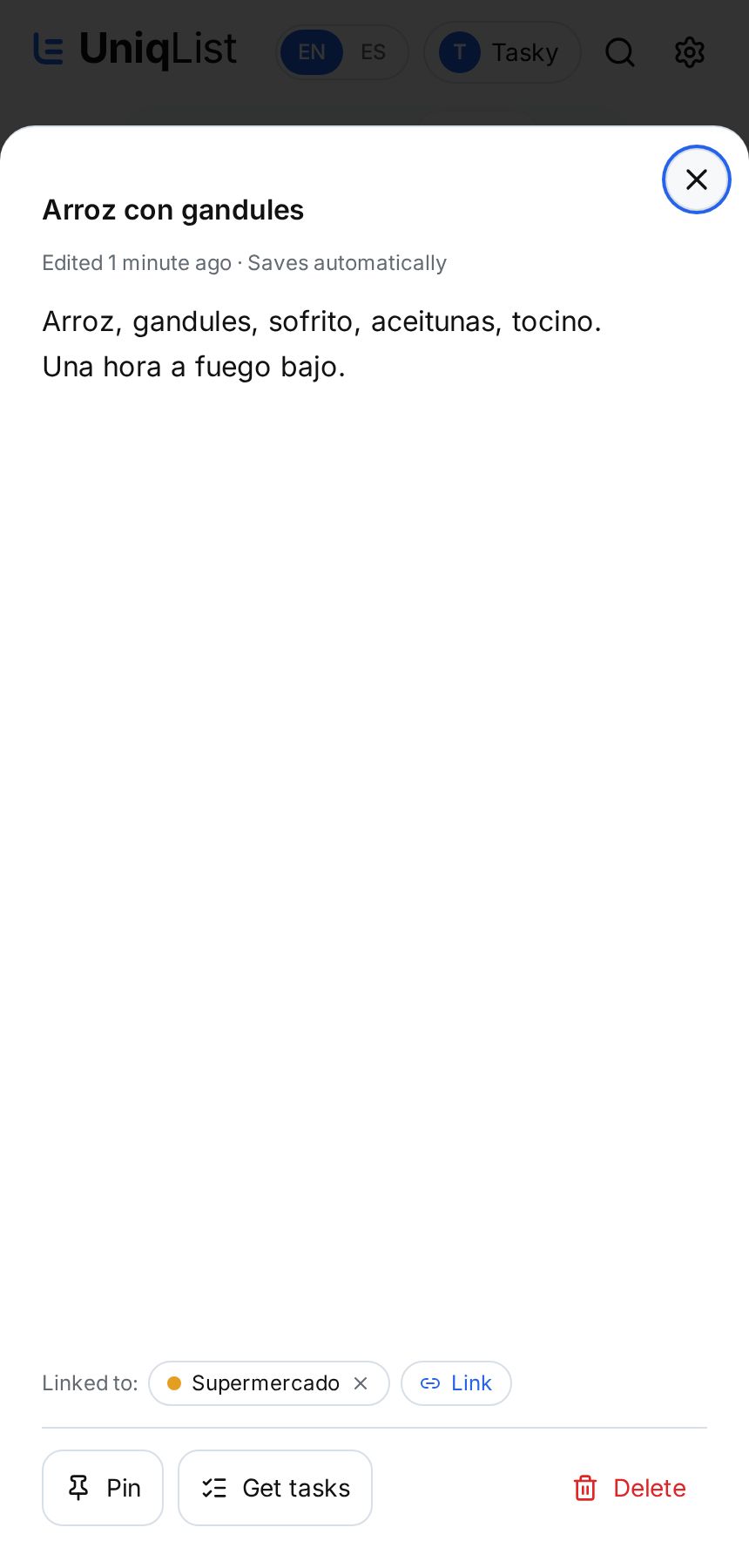
Simple notes, better connected
Notebooks by topic
Recipes, school, work, ideas: one notebook for each, or one general notebook.
Saves as you type
No save button. Your note is always up to date.
Linked to lists and tasks
Attach a recipe to the grocery list or meeting notes to a task.
Pin what matters
Pinned notes stay on top and appear in your All view.
Shared with your people
Share a notebook and edit together, with chat on Family and Business.
Works offline
Write without internet; it syncs when you're back.
Tasky
Tasky turns notes into tasks
Open a note, tap Get tasks, and Tasky proposes the tasks or shopping items inside it. You approve what stays.
For notes that lead to action
Individuals
Your day, your errands and your ideas, in one calm place.
Couples
Share the same lists and see each change as it happens.
Families
The home, the groceries and the kids, with everyone on the same page.
Teams and businesses
Shared lists for the team, with list chat on Business.
Plans
Free
1 notebook and up to 20 notes.
Personal, Family and Business
Unlimited notebooks and notes, with shared notebooks and Tasky.
Questions about notes
- Can I link one note to several lists?
- Yes. A note can link to several task lists, shopping lists and individual tasks.
- Does deleting a list delete its notes?
- No. Only the link is removed; the note stays in its notebook.
- Can I share my notes?
- Yes. Share a notebook like any list and everyone sees the same notes.
- Is there a free notes plan?
- Yes. Free includes 1 notebook and 20 notes.