How to use UniqList
Every feature, step by step, with pictures of the real app.
1.Create a list and add tasks
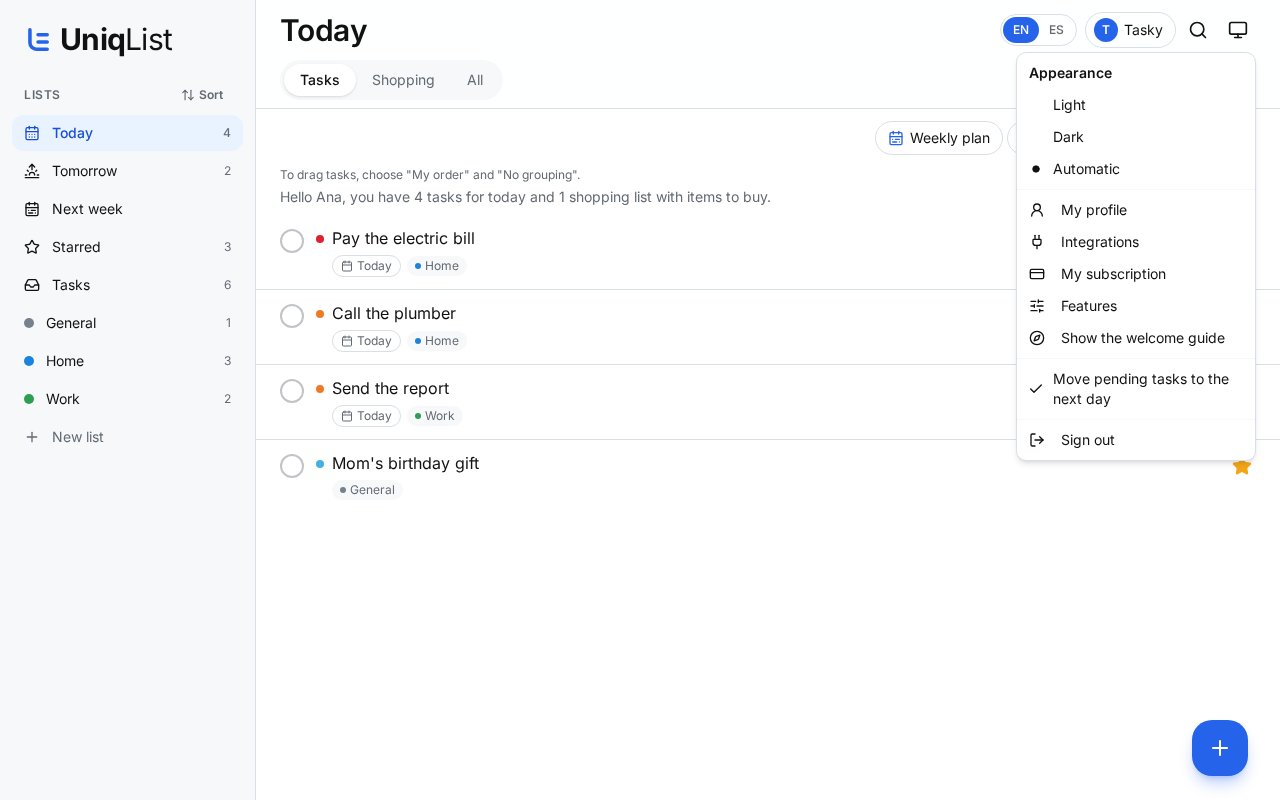
- 1On the left (or at the top on your phone) tap “New list” and give it a name, like Home or Work.
- 2Tap the blue + button at the bottom right to add a task.
- 3Tap the circle next to a task when it's done. Tap the star to highlight it.
2.Add with a date, urgency or your voice
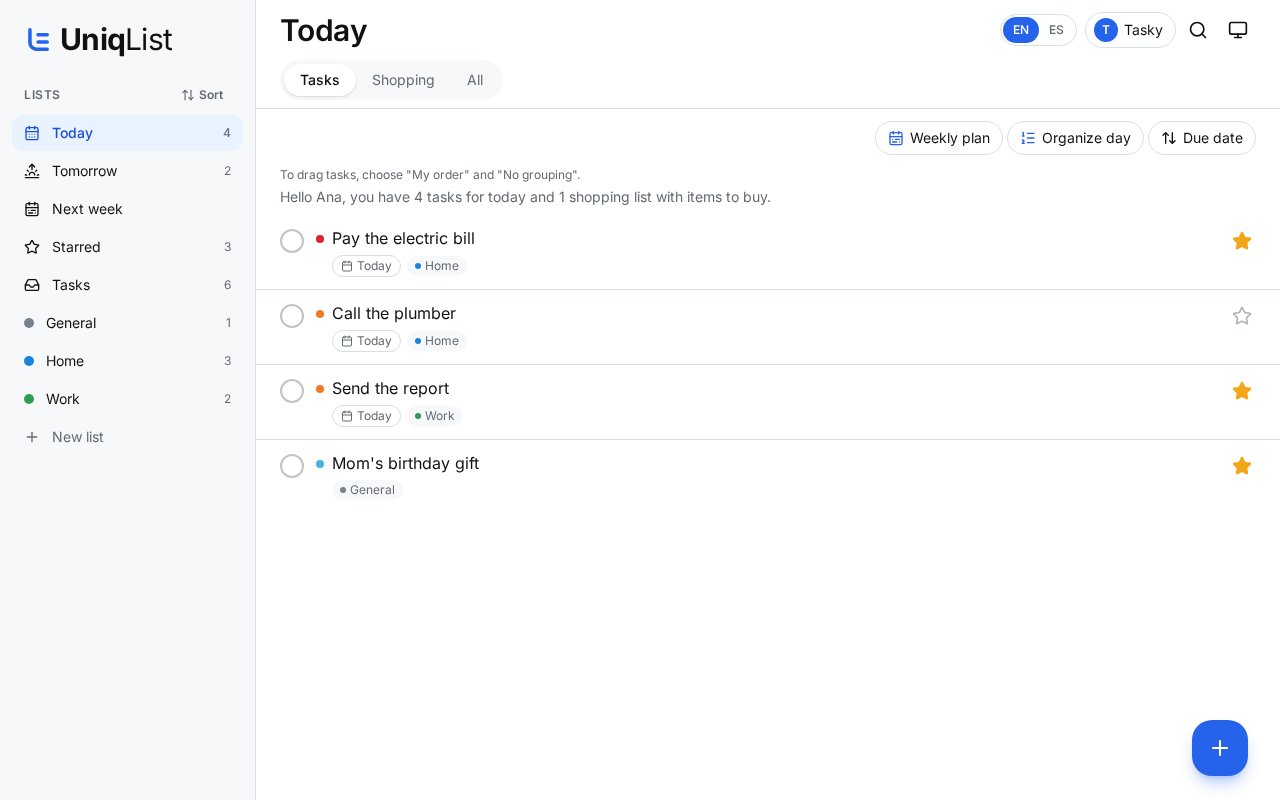
- 1Write what you need. Choose Today, Tomorrow or a date.
- 2Pick the urgency from 1 to 5 and the list it belongs to.
- 3Tap the microphone and just say it. UniqList writes it for you (Personal plan and up).
- 4Tap Save.
3.Shopping lists
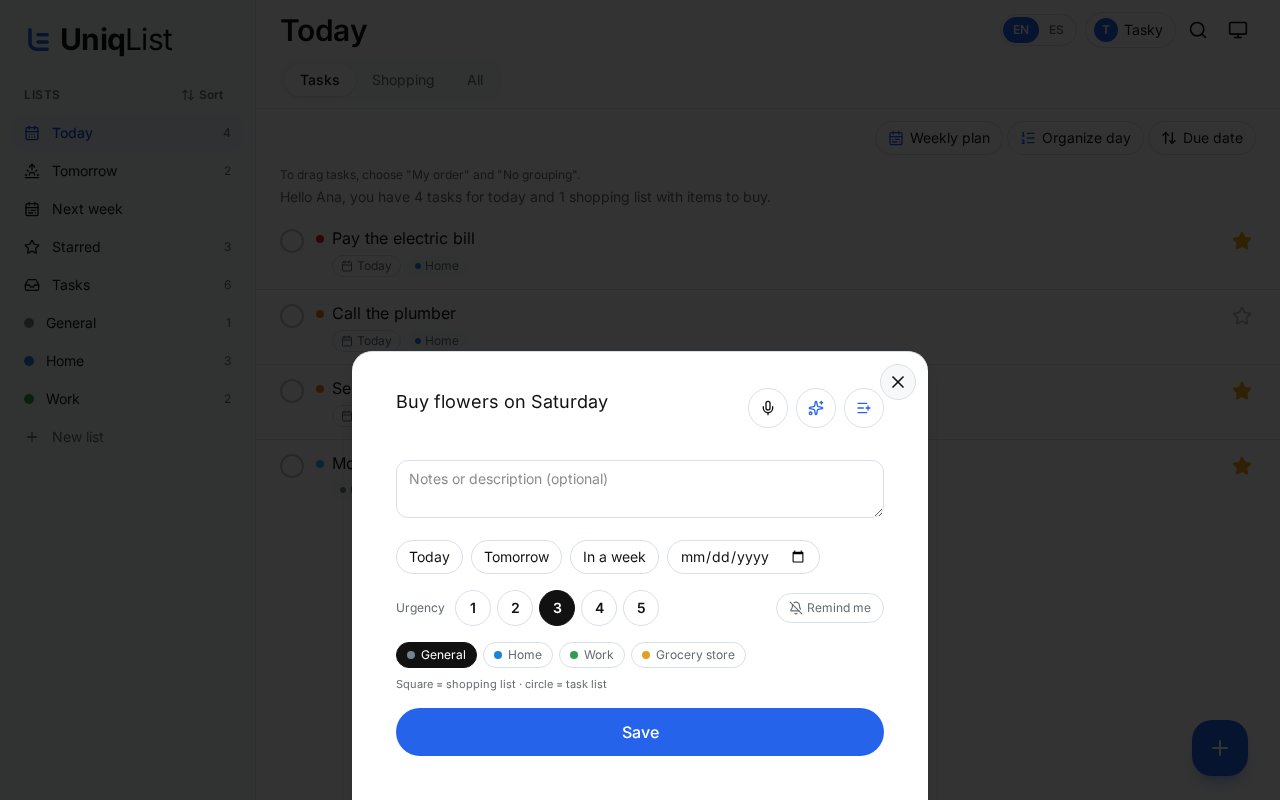
- 1Tap “Shopping” at the top to see only your shopping lists.
- 2Check items off as you put them in the cart.
- 3Things you buy often can come back on their own after some days.
4.Today, Tomorrow and Next week
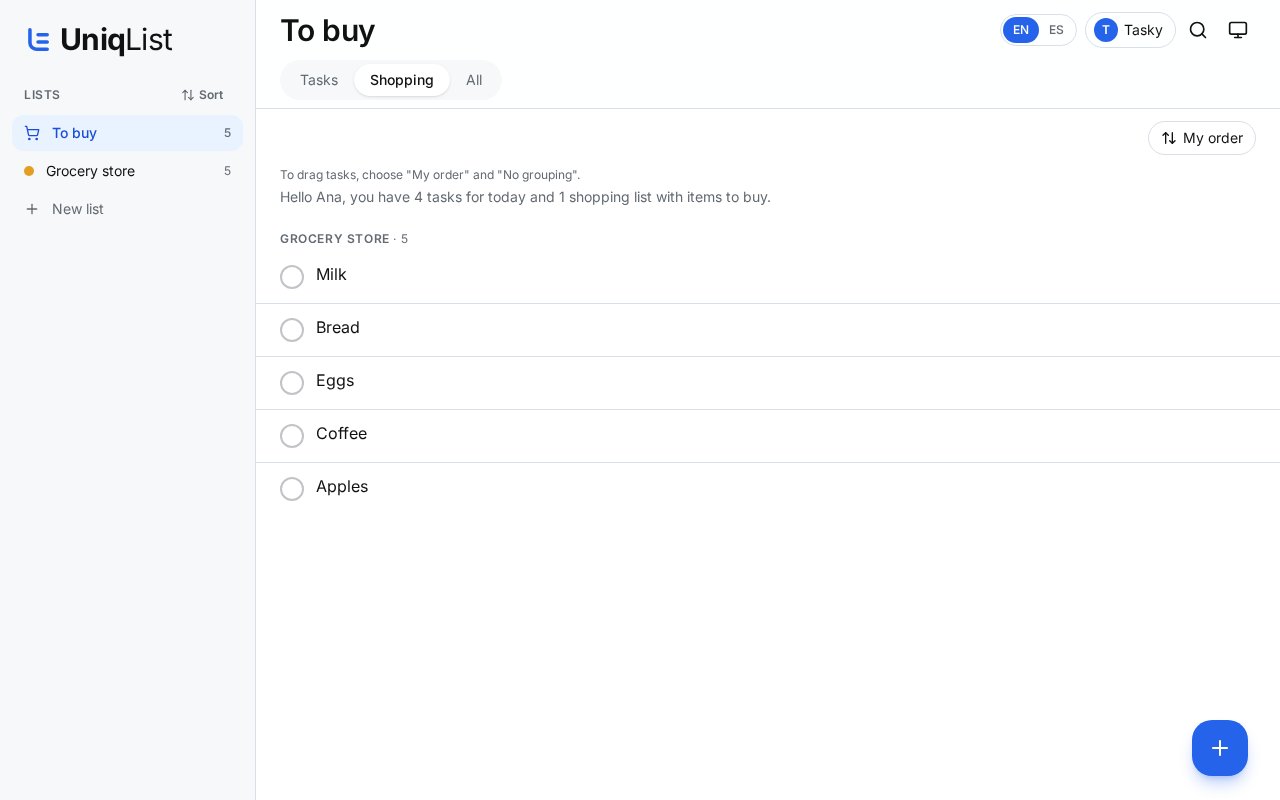
- 1“Today” shows everything due today from all your lists.
- 2“Tomorrow” and “Next week” help you plan ahead.
- 3In Today, “Weekly plan” and “Organize day” let the AI suggest an order for you.
5.Ask Tasky
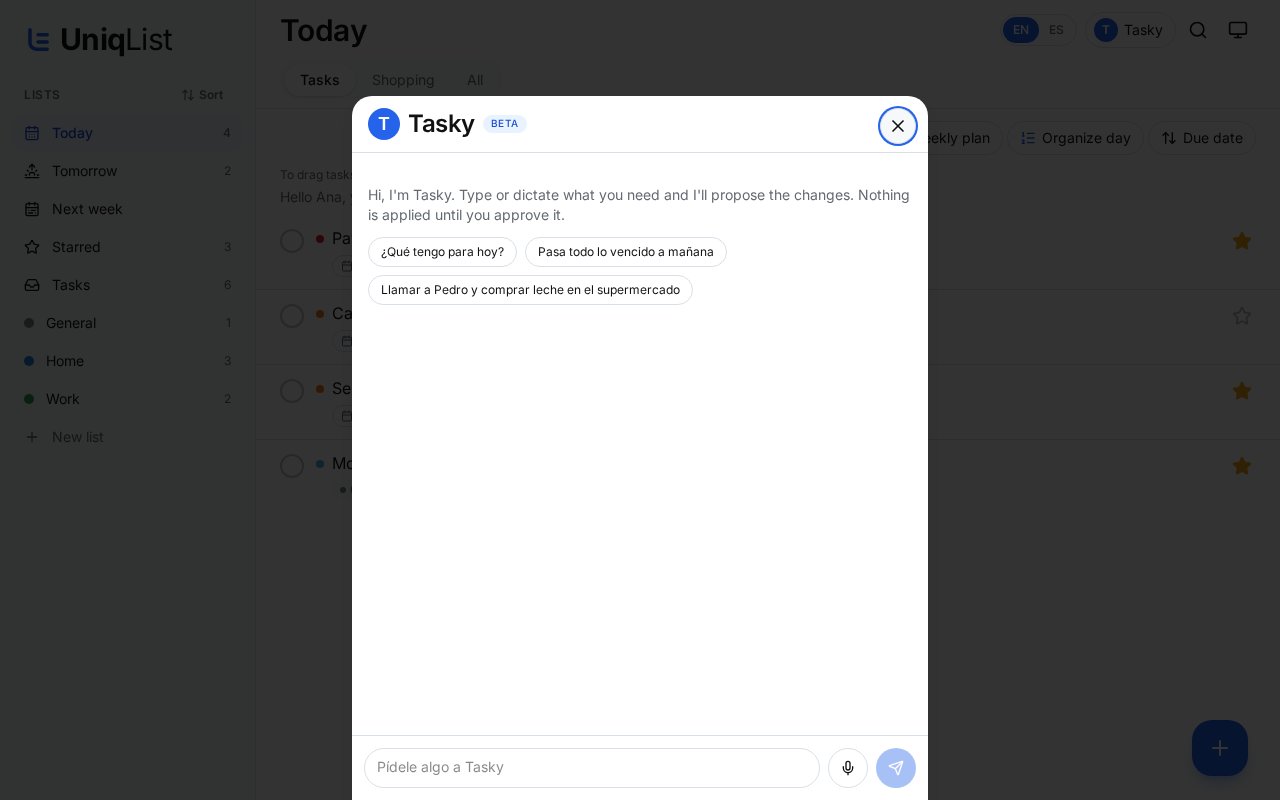
- 1Tap “Tasky” at the top. Write or speak, for example: “Call Pedro and buy milk”.
- 2Tasky prepares the changes and shows them to you.
- 3Nothing is saved until you tap Apply. Tasky is included from the Personal plan.
6.Call Tasky
- 1If your account has it, you'll see a big blue “Call Tasky” button inside Tasky.
- 2Talk naturally. Tasky speaks slowly and shows what he says in large letters.
- 3Tap the red “End call” button when you're done, or just say goodbye.
7.Share a list and chat
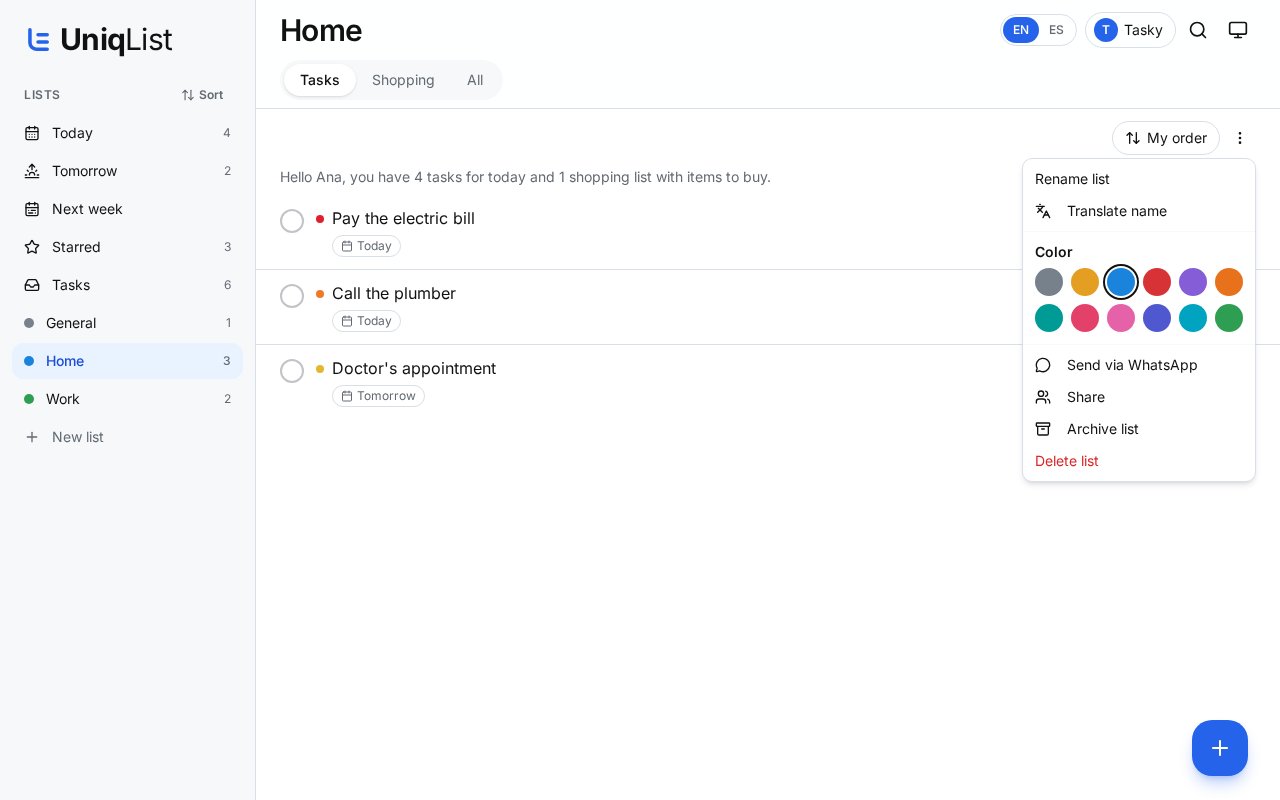
- 1Open a list and tap the three dots, then “Share”.
- 2Type the email of the person you want to invite. They can view, add and check items for free.
- 3On Family and Business plans, tap the chat bubble to talk inside the list.
8.Translate tasks
- 1Switch the language with EN / ES at the top.
- 2When a task is written in the other language, UniqList suggests a translation. You decide whether to apply it.
- 3You can always go back to the original. List names are never changed on their own.
9.Settings and this guide
- 1Tap the screen icon at the top right to open the menu.
- 2Change light or dark look, your profile, your plan and the calendar link (Integrations).
- 3In “Features” turn on or off what you want to see, including the daily email summary.
- 4Tap “Show the welcome guide” anytime to take the guided tour again with Tasky.